
When you buy an NFT, you’re not just buying a JPEG or a video. You’re buying a claim to something unique - but what if that thing disappears? Thousands of NFTs have already gone dark because their media files were stored on a single server that shut down. That’s not blockchain. That’s a broken promise. NFT storage decentralization fixes this. It’s not a luxury. It’s the only way to make sure your digital art, collectibles, or game items last as long as the blockchain itself.
Why Centralized Storage Fails NFTs
Most early NFTs stored their images and metadata on Amazon Web Services, Google Cloud, or other traditional servers. Sounds fine, right? Until the company goes bankrupt, gets hacked, or just stops paying the bill. Then poof - your rare CryptoPunk or Bored Ape becomes a dead link. You still own the token on the blockchain, but the thing it’s supposed to represent? Gone. No one can view it. No marketplace can display it. It’s like owning a painting with no frame - the canvas is still there, but the art is lost.This isn’t theoretical. In 2023, a major NFT platform went offline and took 400,000 NFTs with it. Owners couldn’t prove ownership because the media wasn’t stored anywhere verifiable. That’s why decentralization isn’t just a buzzword - it’s survival.
How Decentralized Storage Works
Decentralized storage flips the script. Instead of putting your NFT data on one company’s server, it splits the file into pieces and scatters them across hundreds - even thousands - of computers around the world. No single point of failure. No corporate middleman. Just math and incentives keeping your data alive.Here’s how it actually works in practice:
- You upload your NFT file - like a PNG, MP3, or 3D model - to a decentralized network like IPFS.
- The system generates a unique code called a CID (Content Identifier). This isn’t a URL like “example.com/art.jpg.” It’s a cryptographic hash based on the file’s exact content. If even one pixel changes, the CID changes.
- The CID gets written into your NFT’s smart contract as the official source of truth.
- Network nodes (computers) that store your data are paid in cryptocurrency to keep it available long-term.
Now, no matter what happens to one server, your NFT’s data stays accessible. As long as at least one node still has a copy, the file can be retrieved.
Key Players in NFT Decentralized Storage
Not all decentralized storage solutions are the same. Here are the major ones shaping the space as of 2026:NFT.Storage
NFT.Storage is built on Filecoin and IPFS. Its biggest innovation? An onchain endowment. That means when you pay a small one-time fee to store your NFT, part of that payment is locked into a smart contract. That contract automatically pays for storage costs forever - no recurring bills, no maintenance, no surprises. Even if the company behind NFT.Storage vanishes tomorrow, the storage continues because the money is already on the blockchain.As of 2025, over 1.3 million NFTs have been stored using NFT.Storage. The platform also released an open-source tool called the NFT.Storage Checker, which lets wallets and marketplaces verify whether an NFT’s data is stored securely. This builds trust across the entire ecosystem.
Filecoin
Filecoin isn’t just a storage service - it’s a decentralized marketplace. Think of it like Airbnb for hard drives. Anyone with spare storage space can rent it out to people who need to store NFTs or other data. Miners earn Filecoin tokens for storing data reliably over time. The system uses proof-of-replication and proof-of-spacetime to make sure files aren’t just uploaded - they’re actually being kept around.Filecoin is the engine behind NFT.Storage, but it’s also used by other services. It’s not user-friendly on its own - you usually need a tool like NFT.Storage or Lighthouse to interact with it easily.
IPFS
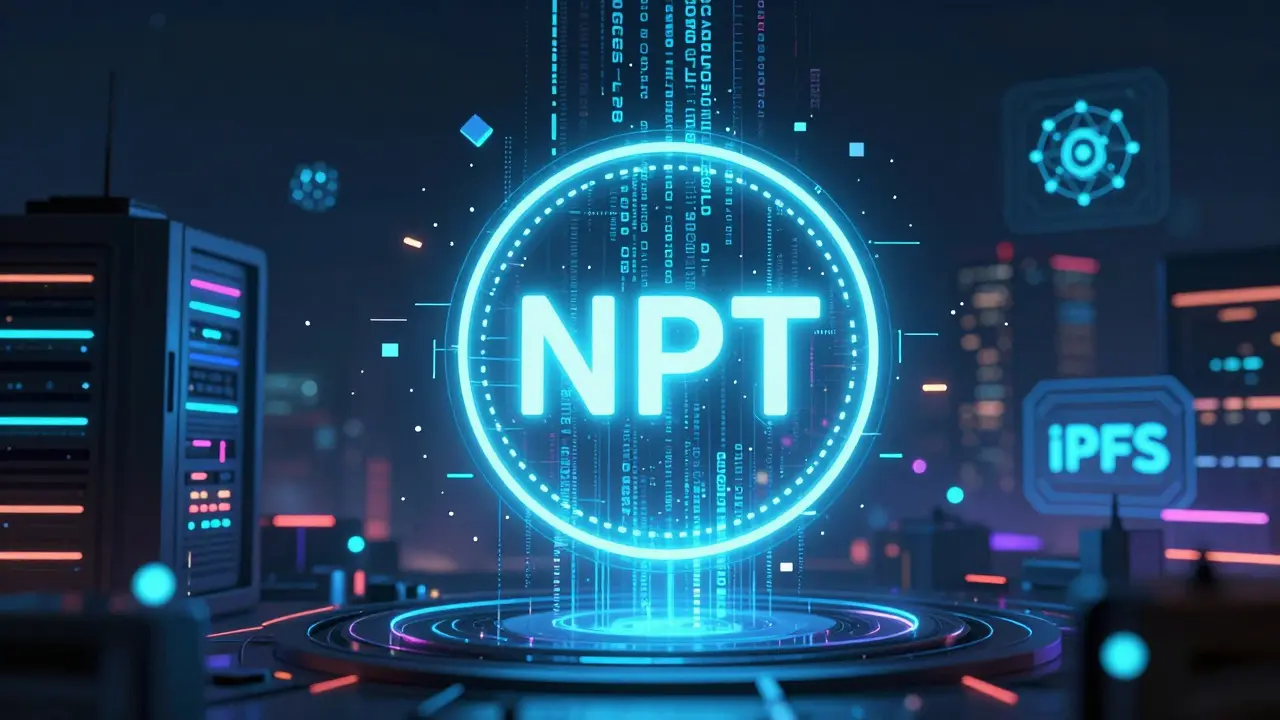
IPFS (InterPlanetary File System) is the protocol that makes content addressing possible. It’s not a storage network itself - it’s the way files are found and shared. When you upload to IPFS, you get a CID. That CID is what gets embedded in your NFT. But here’s the catch: IPFS doesn’t guarantee long-term storage. If no one “pins” your file (keeps a copy alive), it disappears after a while. That’s why IPFS alone isn’t enough for NFTs.Pinata
Pinata is the go-to for developers who want easy, fast access to their NFT data. It’s not built for permanent storage - it’s built for reliability today. Pinata keeps your files pinned on IPFS so they’re always available for marketplaces, wallets, and websites to load quickly. It’s great for testing, minting, and launching NFTs. But if you stop paying, your files eventually get unpinned. Use it for hot storage, not long-term preservation.Lighthouse
Lighthouse offers a “pay once, store forever” model. You pay a single fee, and your NFT data stays in hot storage indefinitely. No subscriptions. No renewals. It’s ideal for creators who want their NFTs to always load fast - and never go dark. Lighthouse also integrates with Filecoin for backup, so even if hot storage fails, the data is still preserved elsewhere.Arweave
Arweave takes permanence to the extreme. You pay once - and it’s supposed to last 200 years. It uses a “permaweb” model where miners are paid from a pooled fund created during the initial upload. The math is complex, but the promise is simple: if you pay for Arweave storage, your data lives forever. It’s popular for storing art, music, and historical records. But Arweave has limits - it’s not optimized for large video files, and retrieval speed can be slower than IPFS-based solutions.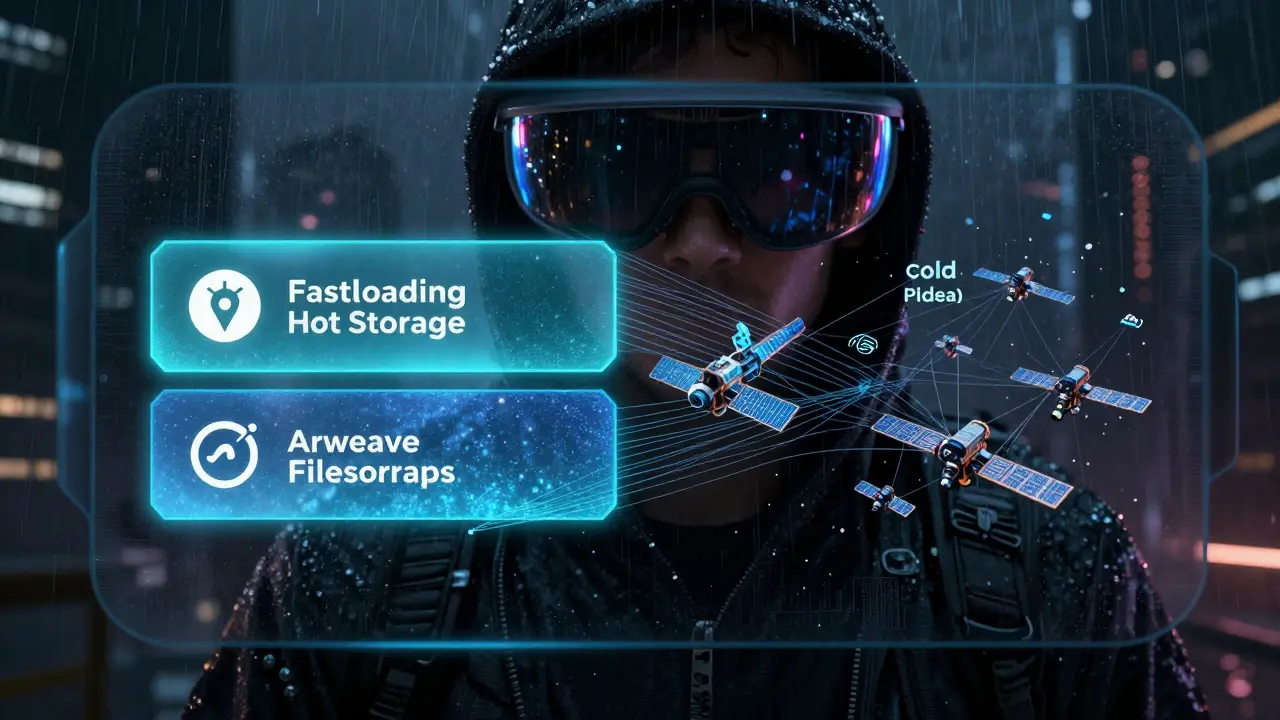
Hot Storage vs. Cold Storage
Understanding the difference between hot and cold storage is key to choosing the right solution.- Hot storage means your data is always instantly available. Pinata and Lighthouse specialize in this. Perfect for NFTs that need to load fast in marketplaces or wallets.
- Cold storage means your data is preserved long-term but not necessarily always quick to retrieve. Filecoin and Arweave fall here. Slower to load, but more reliable over decades.
The smartest approach? Use both. Store your NFT’s media on Lighthouse or Pinata for fast access - and back it up on NFT.Storage or Arweave for permanent safety. That way, you get speed today and survival tomorrow.
Costs Compared: On-Chain vs. Off-Chain
Storing data directly on the blockchain (like Ethereum) costs hundreds or even thousands of dollars per NFT. That’s because every byte of data you write becomes part of a permanent, globally replicated ledger.Decentralized off-chain storage cuts that cost by 95% or more. For example:
- Storing a 5MB image on Ethereum: $200-$500
- Storing the same file on NFT.Storage: $0.10-$0.50 (one-time)
- Storing on Arweave: $0.20-$1.00 (one-time)
- Storing on Pinata: $5-$15/month (subscription)
Off-chain doesn’t mean less secure. The CID is still on-chain. The blockchain verifies ownership. The decentralized network verifies availability. You get the best of both worlds: trustless verification and affordable storage.
What Happens If You Don’t Use Decentralized Storage?
If your NFT’s media is hosted on a centralized server:- It can vanish overnight.
- Marketplaces may stop displaying it.
- Buyers can’t prove it’s real.
- It loses all value.
Some NFT projects have already lost millions in value because their storage failed. Buyers walked away. Resale markets collapsed. The NFTs became digital ghosts.
Decentralized storage isn’t about being “techy.” It’s about protecting your investment. If you’re creating, buying, or collecting NFTs - this isn’t optional. It’s essential.
The Future of NFT Storage
By 2026, top NFT marketplaces like OpenSea and Blur are starting to require decentralized storage for new listings. Wallets like MetaMask and Phantom now check NFT.Storage’s checker before displaying metadata. The industry is shifting - fast.Upcoming tools will let you automatically back up your entire NFT collection with one click. New protocols are emerging to verify storage status across blockchains. And as more artists, game studios, and brands adopt NFTs, the demand for bulletproof storage will only grow.
The goal? A world where your digital ownership lasts as long as your identity - not just as long as a company’s server stays online.
What happens if my NFT storage provider goes out of business?
If you used a truly decentralized solution like NFT.Storage or Arweave, nothing happens. Your data is stored across thousands of nodes, not controlled by one company. Even if the service that helped you upload it shuts down, the files remain accessible because they’re on open networks like IPFS and Filecoin. The CID embedded in your NFT is the only thing that matters - and it doesn’t depend on any single company.
Can I store my NFTs for free?
Some services offer free tiers, but they’re risky. Free IPFS pinning from Pinata or similar platforms often expires after 30-90 days. If you don’t renew, your NFT’s media disappears. True long-term storage requires a small fee - usually under $1 per NFT. That one-time cost ensures your asset survives for decades. Free storage is like renting a house with no lease - eventually, you get kicked out.
Is decentralized storage slower than regular cloud storage?
Sometimes, but not always. Hot storage providers like Lighthouse and Pinata are optimized for speed and load times match or beat traditional cloud services. Cold storage like Filecoin or Arweave may take a few extra seconds to retrieve, but that’s only a concern if you’re loading thousands of NFTs at once. For most users, the difference is negligible - and far outweighed by the guarantee that your NFT won’t vanish.
Do I need to understand blockchain to use decentralized storage?
No. Tools like NFT.Storage, Lighthouse, and Pinata have simple upload buttons and step-by-step guides. You just drag and drop your file, click “store,” and copy the CID into your NFT’s metadata. You don’t need to know how IPFS works or what a CID is - you just need to know that your NFT won’t disappear. Most platforms handle the technical side automatically.
Can I move my NFT from one storage provider to another?
Yes - but you can’t change the CID after minting. If you want to switch providers, you must re-upload your file to get a new CID and then update your NFT’s metadata. That means you need to own the NFT contract or have permission to edit it. For most users, it’s easier to store correctly the first time. Always choose long-term storage before minting.
Comments
21 Comments
Cheri Farnsworth
This is the most important thing I've read all year. Decentralized storage isn't optional. It's the foundation. If your NFT's art vanishes because a CEO forgot to pay a bill, you didn't lose money. You lost legacy. And that's irreversible.
Use NFT.Storage or Arweave. Period.
Gene Inoue
lol so you're telling me I have to pay extra to make sure my bored ape doesn't turn into a 404? yeah right. I'm not paying for 'permanence' when I bought it for $2k and already flipped it for $3k. who cares if it disappears in 5 years?
Ricky Fairlamb
The entire NFT ecosystem is a pyramid scheme built on the illusion of ownership. You think IPFS is decentralized? Think again. The same 5 major pinning services control 80% of the nodes. Arweave? Their mining pool is dominated by three entities with ties to venture capital. This isn't decentralization. It's rebranded centralization with a blockchain sticker on it.
Lauren J. Walter
i read this whole thing. then i looked at my collection. 12/20 are already dead links. i didn't even know until now. i feel like i've been ghosted by my own digital heirlooms.
Carol Lueneburg
YESSSS this is everything 🥹💖 I've been screaming into the void about this for months! Use NFT.Storage + Lighthouse combo. One for the vault, one for the display. You’re not just storing data-you’re preserving art, history, emotion. Your future self will hug you for this. ✨💾
Manali Sovani
This article is overly verbose. The core message is simple: pay once or lose everything. Why explain IPFS? Why mention CID? Just say: use Arweave. Done.
Konakuze Christopher
Pinata is a trap. They'll delete your files if you miss a payment. That's not storage. That's renting. And renters get evicted.
S F
America built the internet. Now we're outsourcing our digital future to Indian miners and Chinese node operators. This isn't progress. It's surrender.
Angelica Stovall
Everyone's panicking about storage. But no one talks about how 90% of NFTs are just JPEGs of monkeys. Who cares if they disappear? The hype was always fake. This whole thing was never about art.
Taylor Holloman.
I used to think this was overkill. Then I lost a digital portrait I made for my mom. It was the last thing she ever saw me create. I didn't use decentralized storage. I learned the hard way. Now I store everything on Arweave. No exceptions. Not even for memes.
Bryan Roth
You don't need to be a tech wizard to do this right. Just follow three rules: 1. Never use free pinning. 2. Always verify the CID is embedded in the token. 3. Use at least two storage methods-one hot, one cold. That's it. You're already ahead of 95% of NFT holders.
sai nikhil
In India, we don't have access to these services easily. Many of us use centralized platforms because they're faster. This article is great, but it assumes everyone has the same access. We need simpler, localized solutions.
Sahithi Reddy
I just uploaded my whole collection to NFT.Storage. One click. $0.87. Done. I feel safe for the first time since I started collecting. This is peace of mind you can't buy elsewhere.
George Hutchings
I'm from the U.S. but my daughter is in Japan. She owns NFTs from a Japanese artist. We both use Arweave. It's wild how technology connects us across borders without relying on any one country's infrastructure. This is what global ownership looks like.
Henrique Lyma
The author conflates accessibility with permanence. Lighthouse is not permanent. Pinata is not permanent. Only Arweave and Filecoin with onchain endowments qualify as true long-term storage. Everything else is temporary hosting disguised as preservation. This article lacks precision. It's dangerously misleading for newcomers.
Steph Andrews
I used to think decentralized storage was for nerds. Now I see it's for anyone who values something beyond a quick flip. My grandma asked me what NFTs are. I showed her my stored art. She said 'That's nice, honey. It won't fade.' And she was right. This isn't about crypto. It's about keeping things that matter.
Prakash Patel
Everyone is acting like decentralized storage is new. It's not. We had this debate in 2017 with BitTorrent. The same promises. The same failures. History repeats. This will collapse too.
Zachary N
If you're reading this and you're a creator: stop minting until you understand storage. I've helped over 300 artists set up permanent NFTs. Most had no idea their files were hosted on AWS. I've seen entire collections vanish overnight. Don't be one of them. Take 15 minutes. Use NFT.Storage. It's free for artists. You owe it to your work.
Elizabeth Kurtz
I used to think storage was just a technical detail. Now I realize it's the difference between legacy and loss. My father passed last year. I stored his digital paintings on Arweave. When my kids are grown, they'll still see his art. That's not tech. That's love.
john peter
The idea that a cryptographic hash guarantees permanence is a metaphysical fallacy. Data is not eternal. Even if stored on 'immutable' networks, entropy, societal collapse, or quantum computing will eventually render it unreadable. You are not preserving art. You are preserving a symbol of a belief system that may not survive the next century.
Marc Morgan
I'm from Australia. We don't have the same infrastructure as the US. But I used Arweave. It worked. My NFTs load. My kids can see them. No company. No bills. Just code. Turns out, the future doesn't need a headquarters.
Write a comment